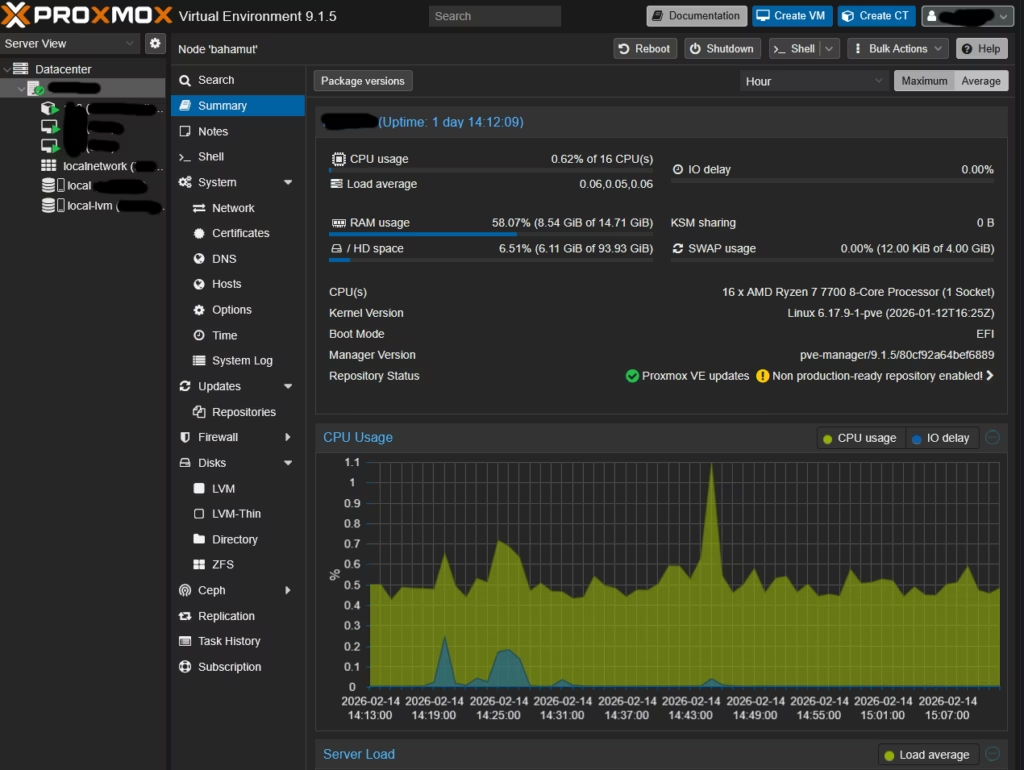
Recently, I built a new micro server for my home lab based on an ASrock DeskMini X600 with an AMD Ryzen 7 7700 CPU, one stick of 16GB DDR5 5600 SODIMM RAM, and a SATA 3.84TB SSD.
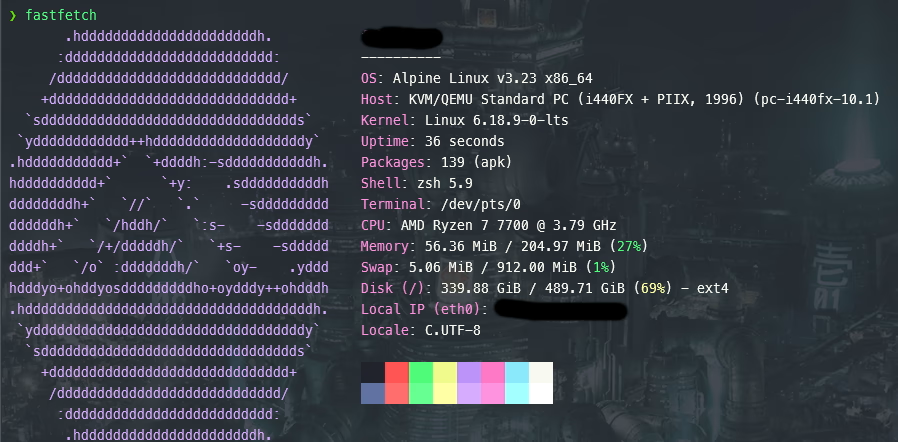
I had an Alpine Linux virtual machine (VM) installed with minimal packages and with one CPU core, 256MB of RAM, and 500GB of storage allocated to it. The primary use case for the Alpine Linux VM was to be for file sharing/Samba SMB server. Moreover, I had the ASrock DeskMini X600 plugged into a watt meter to measure the power consumption.
I noticed whenever I would spin up the Alpine Linux VM, it would add an additional 10-12 watts of power consumption. For reference, the Proxmox Virtual Environment, Proxmox Pi-hole LXC (Linux Container), and a Debian VM with 4 cores, 8GB RAM, 1TB of storage, and around 15 Docker containers consumed about 16-18 watts total. Alpine Linux has a reputation has a resource consumptive Linux distribution, so the high-power consumption was very counter-intuitive, so I knew something was misconfigured and/or unoptimized.
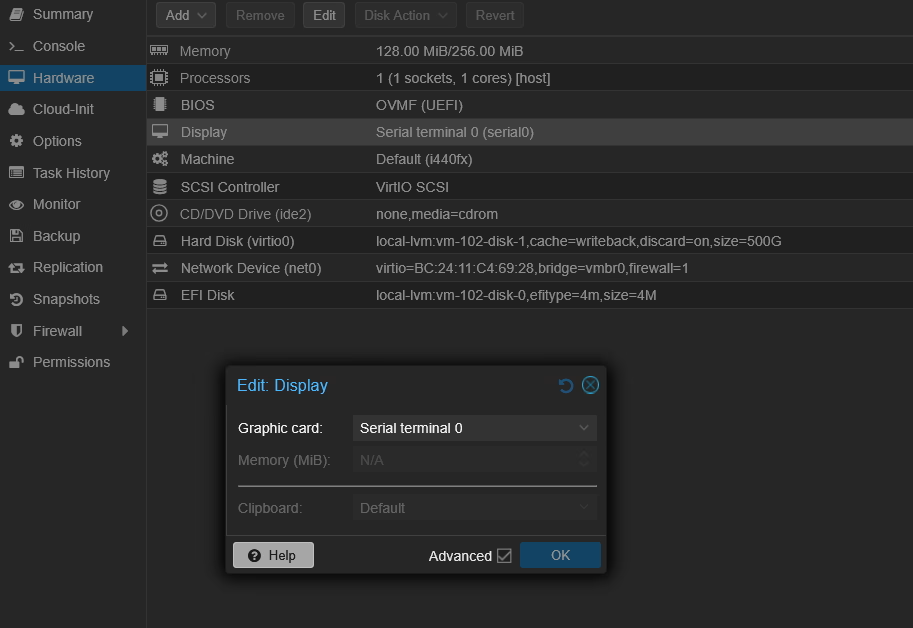
Eventually with the help of Claude Sonnet and some trial and error, I discovered that the “default” option of the virtual graphics card field enabled in Proxmox was causing the high-power usage and that choosing the “serial terminal 0” option solved it with the power consumption dropping about 9 watts.